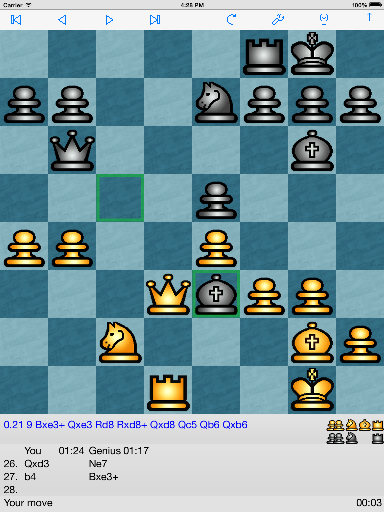
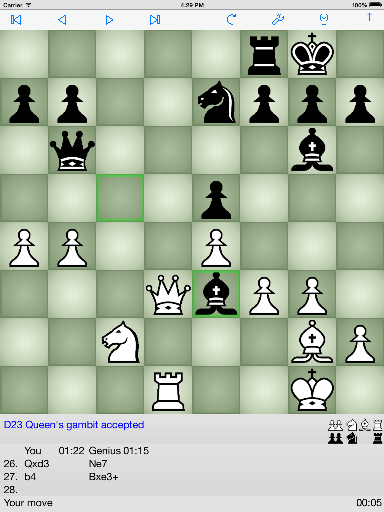
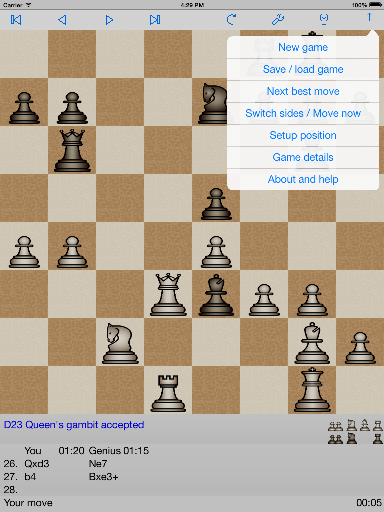
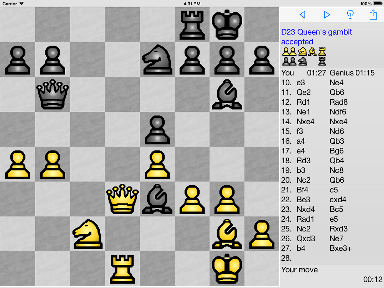
ChessGenius is a world class chess playing program for Apple iOS. It is packed with features
for beginners and experts.
Version 4.1 with bigger opening book and time control levels with Fischer clock is now available from the Apple App Store.
Buy now
ChessGenius can only be purchased from the Apple App Store. Price in US is $5.99. Price elsewhere is set by
Apple and depends on exchange rate and local taxes. All program updates will be free.
[Buy now from Apple App
store].
Alternatively go to the Apple App store and search for ChessGenius
Features of ChessGenius for iPhone, iPad and iPod touch
- Runs on all iPhone, iPad and iPod touch devices with iOS 6.0 and higher
- Small and compact
- Incredibly strong play
Excellent play even on the 'instant' level. Does not require a network connection.
- Hundreds of playing levels
13 easy levels. ChessGenius makes deliberate mistakes.
Ten time based levels. Instant, 1 sec, 2 sec, 3 sec, 5 sec, ... 3 mins.
Ten Blitz levels. Whole game in 1 min, 2 min, 3 min, 5 min, .... 120 min. The Chess clocks count down in these levels. You
lose if you run out of time.
Time control levels. You can chose two time controls and optional Fischer time increment. For example, 40 moves in one hour followed by 30 mins to finish
- Thinking information. (Analysis)
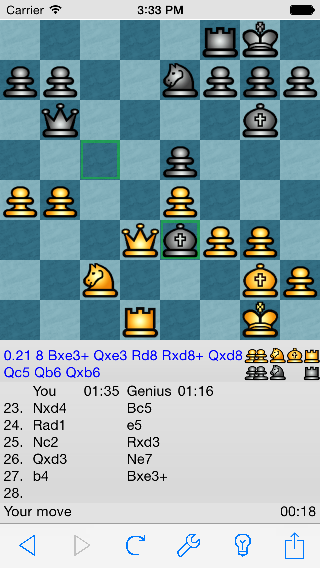
Show analysis Option. It may, for example, show:
"1.03 05 cxd4 Nxd4 Nc6 Bb5" This means that:
ChessGenius is winning by 1.03 pawns. Search depth = 5, and line of moves. ChessGenius is planning cxd4 and expects Nxd4
in reply etc.
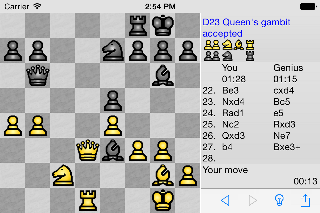
- Landscape
Rotate your device to play with landscape display.
- Chess Clocks
Total White and Black time and move time.
- Make moves by dragging or tap and tap
- Set-up position
Any legal position can be entered.
- Take back and Step forward
Take back moves to start of game and Step forward to end of game. Easy take back
and step forward with toolbar icons.
- Hint
Let ChessGenius suggest your move.
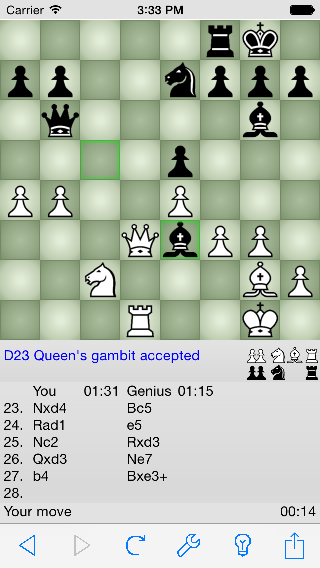
- Opening name
For example ChessGenius may display "B12 Caro-Kann defence".
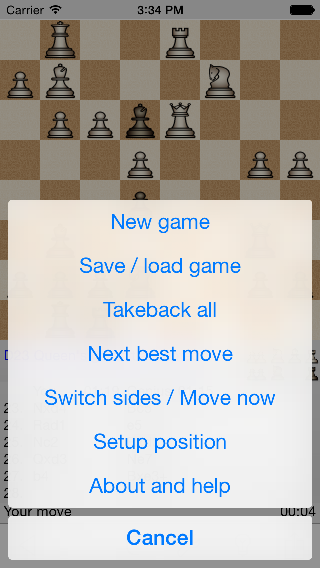
- Next best move command
After ChessGenius has played a move "Next best move" will force ChessGenius to take
back its last move and compute the next best move. This is useful for forcing ChessGenius to play a particular opening and
for analyzing positions.
- Players
Play against ChessGenius, against another player or watch ChessGenius play itself.
- Analyze game
Like 2 player mode but ChessGenius calculates continuously and shows its thinking. Useful for
replaying games to see where mistakes have been made.
- Rules of Chess
Understands all the rules of Chess including en-passant, under promotion, castling, draw by
repetition and the 50 move rule. Announces a draw if there is insufficient material to win.
- Save and Load games
Games can be saved and loaded to PGN files. Games can be sent by email and databases
downloaded from the internet.
- Tutor option
ChessGenius will warn if a blunder / weak move is played and give the option of take
back.
- Board colours
Choice of 8 board colours.
- Show legal moves option
After selecting a piece ChessGenius shows where the piece can move to.
- Show last move option
ChessGenius can indicate the previous move.
- Championship
A 'Championship' icon is displayed if you have not used Hint, Taken back moves or viewed the
analysis. Can you beat ChessGenius without help?
- Six piece sets
Chose between Modern, Russian, Royal and Classic color sets (designed by Bryan Whitby) and the Alpha and
Merida black and white sets.
- Easy import / export of database files with iTunes file sharing
- Free updates
What's new in ChessGenius version 4.1
- Bigger, deeper opening book. Bigger by a factor of 2.5
- New adjustable playing levels with Fischer clock
- Ready for iOS 10
What's new in ChessGenius version 4.0
- The user interface has been rewritten for iOS 7 and 8
- Support for iPhone 6 and 6 Plus at native resolutions
- All functions now work in Portrait and Landscape
- New Piece sets, Board colors and patterns
- Optional display of captured pieces
- Optional count of positions searched
- Adjustable Hash table size for stronger play
What's new in ChessGenius version 3.1
- Easy import / export of database files with iTunes file sharing
- Bug fixes for iOS 6
What's new in ChessGenius version 3.0
- Now designed to run on iPad as well as iPhone and iPod touch
- High resolution graphics for iPhone 4G and iPad
- Improved graphics. Board shading, extra piece set and board color
- Copy and paste PGN games
- Bug fixes
- Support for French and Italian languages
What's new in ChessGenius version 2.0
- Games can be exported by email
- PGN databases can be imported from internet
- Handles multiple PGN databases and each database can contain multiple games
- New hi-resolution graphics. 4 piece sets
- 3 new easy levels for novices
- Rotate to Landscape view now optional
- Support for German Language
|
Screen shots. iPhone / iPod touch
|